Turn PDFs and slides into a study guide you can actually use.
StudyKit transforms lecture decks, readings, and handouts into structured notes, flashcards, and quizzes in minutes.
- - Neuron structure and signaling
- - Synaptic plasticity and memory
- - Major brain regions and functions
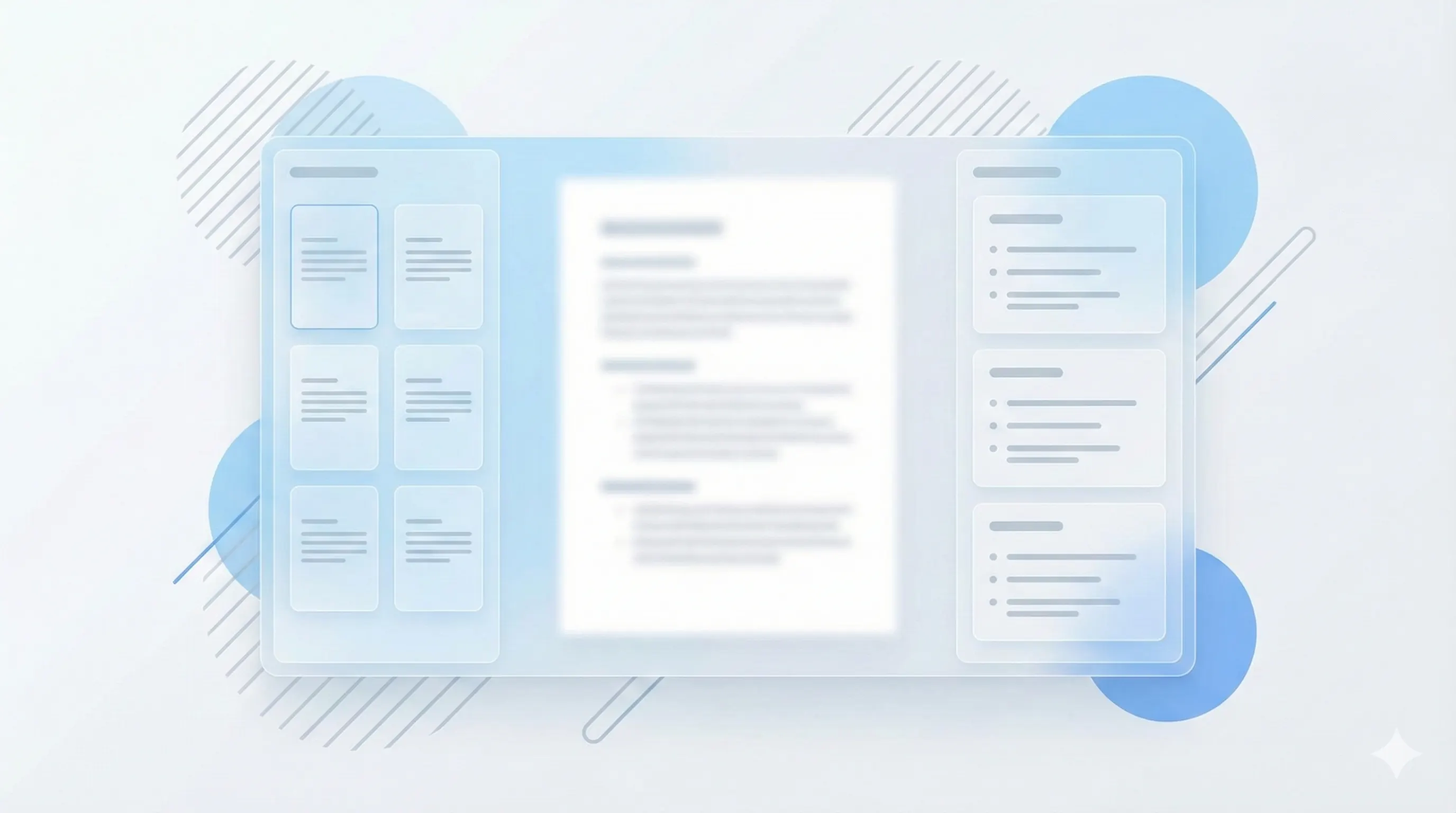
A study workspace that feels visual, not cluttered.
StudyKit keeps your slides and notes connected with a clean, visual layout so you can scan, remember, and export without friction.
Everything you need to study fast.
StudyKit turns one file into a full study kit: structured guide, slide notes, flashcards, and quiz.
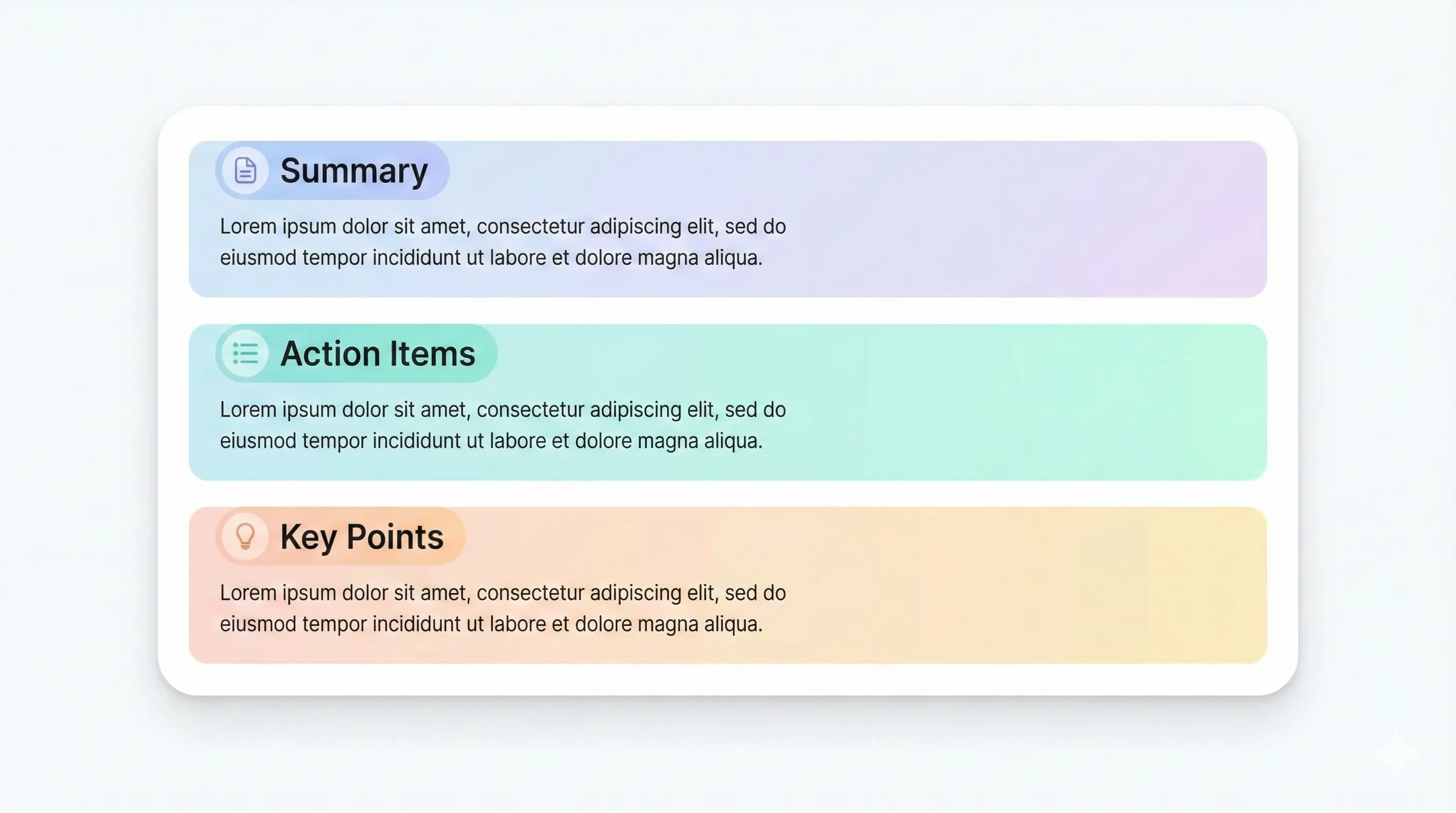
See plan limitsClean outlines, key terms, and a clear recap of the material.
Slide-by-slide notes that follow your source structure.
Recall-ready cards tagged by topic and difficulty.
Mixed question sets with explanations and answers.
Three steps, no busywork.
Upload a PDF or slides
Text-based PDFs and PPTX files parse in seconds. No OCR in MVP.
Pick your outputs
Study guide, notes, flashcards, or quiz. Basic and Pro unlock all outputs.
Review and export
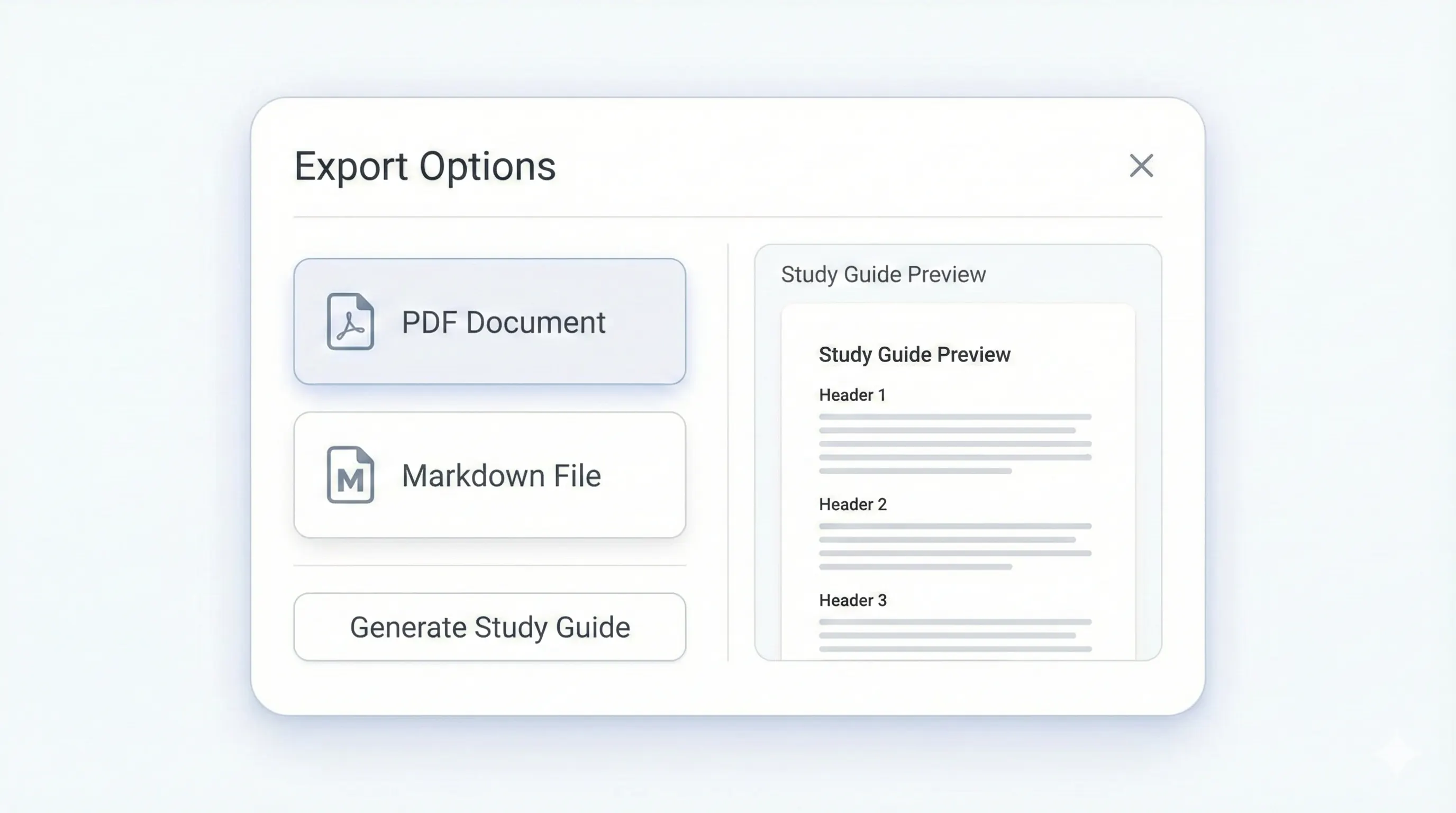
Edit the result and export to Markdown or PDF.
Built for privacy and exam season.
Your files stay private. We auto-delete raw uploads after 7 days and study outputs after 30 days.
Review guides wherever you sit down to study.
Export and share with classmates, then review on desktop or mobile without extra tools.
Open the workspace
Questions students ask first.
You can try the sample flow without logging in. Full uploads and exports require an account.
MVP supports text-based PDF and PPTX. OCR for scanned PDFs comes in Phase 2.
Files are private by default. Raw files are deleted after 7 days, results after 30 days.
Yes. Your uploads are yours and you can download them any time.
Build your study kit in minutes.
Upload a PDF or slides deck. Choose outputs. Share with your study group.